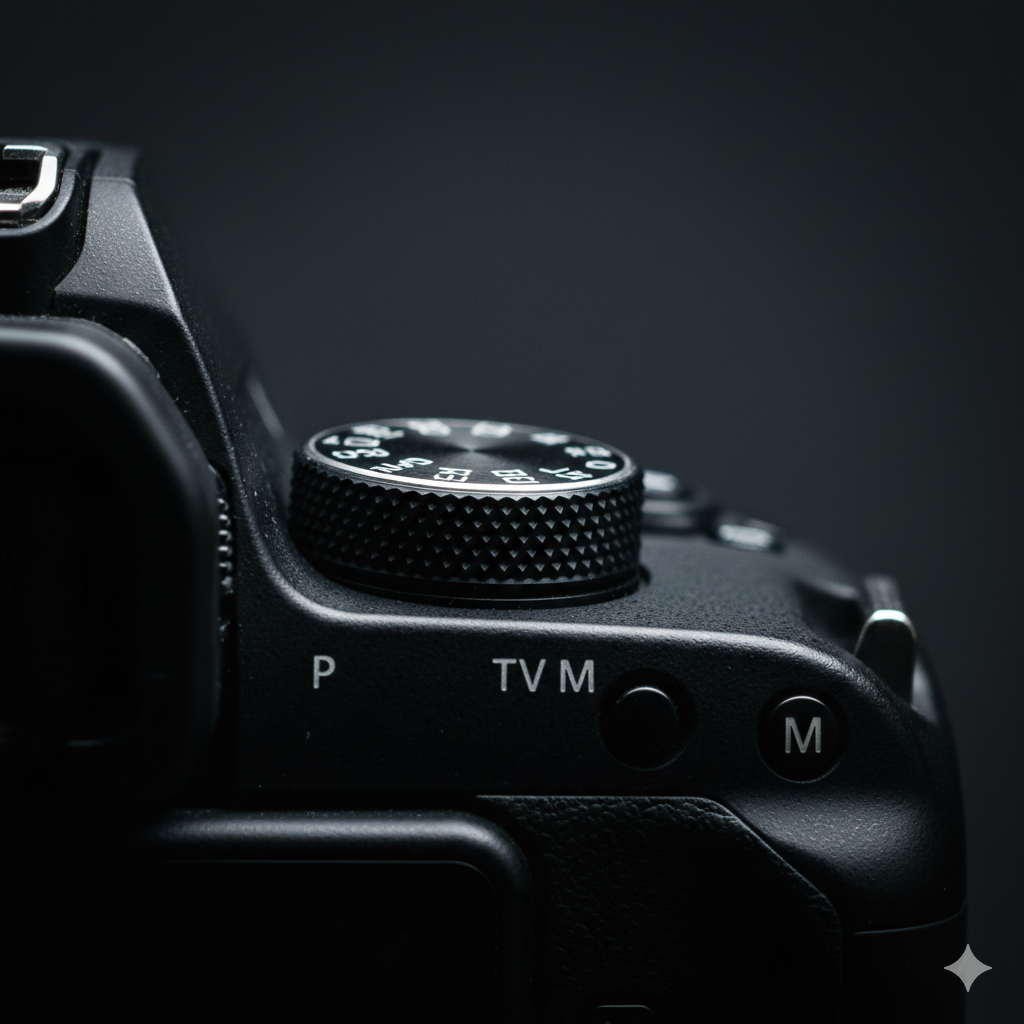
The Mode Dial
That dial on top of your camera with the letters P, A (or Av), S (or Tv), and M isn't decorative. Each position represents a fundamentally different relationship between you and the camera. Understanding what each one surrenders and what it controls is the first real step in learning photography.
The green Auto mode is a safe starting point. But the camera making every decision means you're not learning anything — and more importantly, you're not getting the shot you envisioned. You're getting the shot the camera guessed you wanted.
Auto — Let the Camera Decide Everything
In full Auto, the camera chooses ISO, aperture, shutter speed, white balance, focus mode, and even whether to fire the flash. It makes reasonable decisions most of the time in daylight. It makes mediocre decisions in anything more challenging than that.
The main problem with Auto isn't that it takes bad photos. It's that it takes average photos. The camera optimises for a correctly exposed, sharp image. It has no concept of creative intent — motion blur for drama, shallow depth of field to isolate a subject, high ISO grain for texture. Auto will fight you on all of these.
Use it when: You have no time to think and just need a record shot. A child's birthday party going into candlelight, for example.
P (Program Auto) — Semi-Auto with Override
Program mode is Auto with training wheels you can actually remove. The camera still sets aperture and shutter speed automatically, but you can override both by rotating the command dial — this is called Program Shift. You can also manually control ISO, white balance, and flash in P mode.
P mode is underrated. It's fast to shoot with, gives you meaningful creative control, and forces you to start paying attention to what the camera is choosing — which is how you learn.
Use it when: You want the speed of Auto but are starting to develop opinions about your shots.
Av / A (Aperture Priority) — You Control Depth of Field
In Aperture Priority, you set the aperture and the camera calculates the correct shutter speed. This is the mode most professional photographers use most of the time, because aperture is the creative control that matters most in the majority of situations.
A wide aperture (small f-number like f/1.8 or f/2.8) gives you shallow depth of field — your subject is sharp, the background blurs into that creamy bokeh you've seen in portrait photography. A narrow aperture (f/8, f/11, f/16) keeps everything sharp — ideal for landscapes where you want the foreground rock and distant mountain both in focus.
The only risk: in low light with a narrow aperture, the camera may choose a very slow shutter speed to compensate, causing motion blur. Watch the shutter speed the camera selects and adjust ISO or aperture if it drops below a safe threshold (roughly 1/focal length — so 1/50s for a 50mm lens).
Use it when: Portraits, product shots, street photography, travel. Basically most situations.
Tv / S (Shutter Priority) — You Control Motion
Shutter Priority is the inverse: you set the shutter speed, the camera chooses aperture. This is the right mode when motion is the primary creative consideration.
Fast shutter speeds (1/1000s, 1/2000s) freeze motion completely — a bird in flight, a footballer mid-kick, a splash of water suspended in the air. Slow shutter speeds (1/4s, 1s, 30s) blur motion intentionally — silky waterfalls, light trails from car headlights, the sense of movement in a crowd.
The risk here is the opposite: the camera may choose an aperture that's too wide (or doesn't exist on the lens), causing overexposure. In this situation it will either blink a warning or show "HI" — your scene is too bright for that shutter speed.
Use it when: Sports, wildlife, anything where timing and motion matter more than depth of field.
M (Manual) — Full Control
In Manual mode, you set everything: aperture, shutter speed, and ISO. The camera shows you a meter telling you whether your chosen settings will over- or under-expose, but it won't intervene. You're completely in charge.
Manual mode is misunderstood. It's not the "advanced" mode that professionals always shoot in — most pros spend most of their time in Aperture Priority. Manual is most valuable in specific situations: studio strobes (where the flash controls exposure), night photography, video (where consistent exposure matters more than adaptability), and any situation where you want the exposure to stay locked regardless of what's in the frame.
Use it when: Studio work, night/astrophotography, video, or when you need absolute consistency across a series of shots.
The Practical Progression
The healthiest path from beginner to confident photographer isn't jumping straight to Manual. It's moving through the modes deliberately: spend a week in P and notice what the camera chooses. Move to Aperture Priority and start controlling depth of field. Try Shutter Priority next time you're at a sports event. Manual will start to make sense naturally after that — not as the "real" mode, but as one tool in a toolkit you now understand.
Key Takeaways
Auto: camera decides everything, use for convenience only. P: camera sets exposure, you can adjust and override. Av/A: you control depth of field, camera handles shutter — the workhorse mode. Tv/S: you control motion blur or freeze, camera handles aperture. M: you control everything, camera just shows you the meter reading.
The single most important move is off the green Auto and into any of the other modes. That's where you start taking photographs instead of recording them.