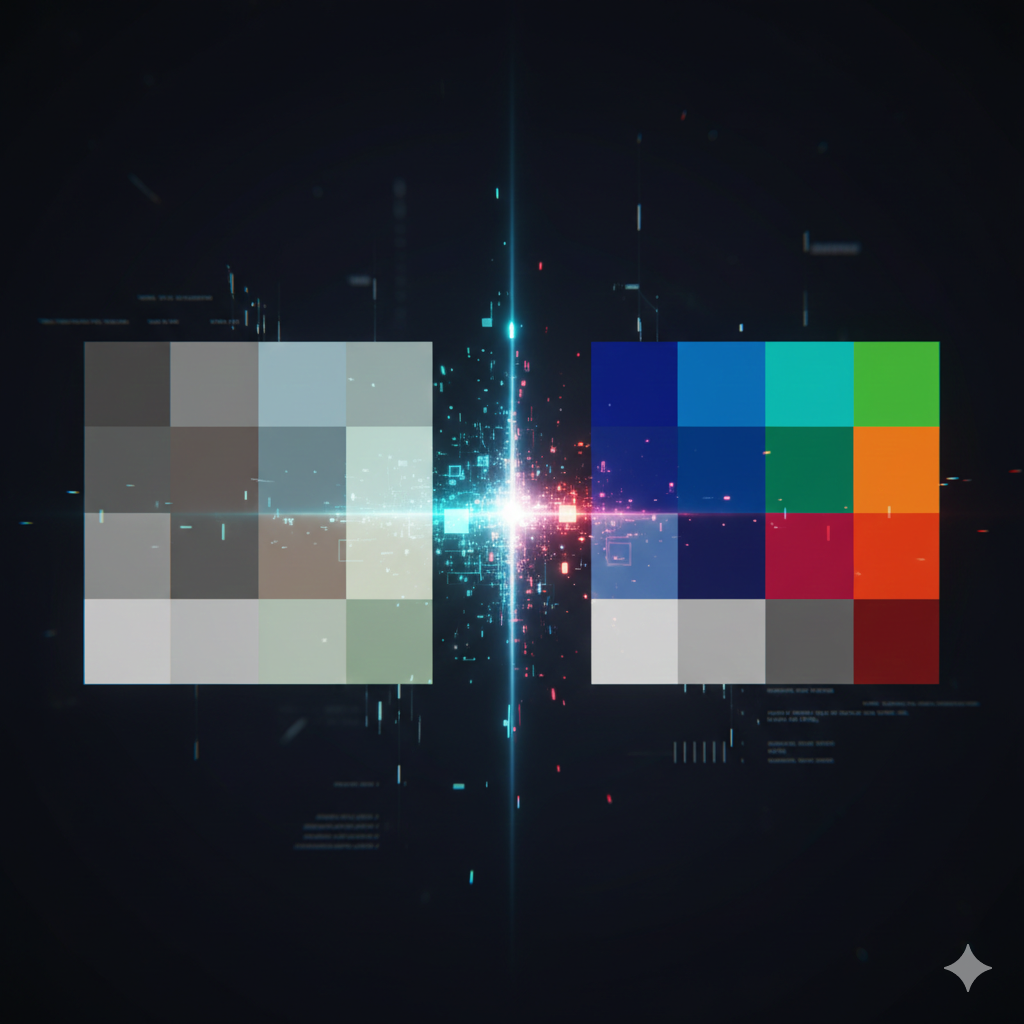
What Actually Happens When You Press the Shutter
When you take a photograph, your camera sensor captures raw data, millions of light measurements, recorded as a mosaic of red, green, and blue values. That data is not yet a photograph. It needs to be processed: demosaiced (the colour grid converted to a full-colour image), white balanced, sharpened, noise-reduced, and compressed.
If you shoot JPEG, the camera does all of this automatically and immediately. The in-camera processor applies its built-in recipe, contrast, sharpening, noise reduction, colour profile, and discards the original raw data. You get a finished, small file. Fast, convenient, and locked.
If you shoot RAW, the camera saves that unprocessed sensor data. No sharpening, no noise reduction, no colour decisions. The file is large. It doesn't look great straight out of camera, it's intentionally flat, waiting. But every decision is still yours to make.
What You Gain with RAW
Exposure recovery. A well-shot RAW file can recover 2-3 stops of overexposed highlights and 3-4 stops of underexposed shadows without significant quality loss. A JPEG, having already clipped and compressed that information, cannot. If you've ever had a blown sky that turned into a featureless white blob in post, that's JPEG discarding data the sensor actually captured.
White balance is completely non-destructive. Changing white balance on a JPEG is an approximation, you're reinterpreting an already-processed colour. Changing white balance on a RAW file recalculates from the original sensor data. The result is perfect every time, regardless of how wrong you got it in-camera.
More bit depth. JPEGs are 8-bit (256 tonal values per channel). RAW files are typically 12-14 bit (4,096-16,384 values). This matters enormously when you're making significant adjustments, smooth gradients in sky or skin that look clean in RAW will show banding and posterisation in JPEG when pushed hard.
Noise reduction quality. Modern RAW processors (Lightroom, Capture One, DxO) apply significantly better noise reduction than any camera's in-built JPEG processing. A noisy RAW file at ISO 6400 processed in Lightroom will almost always look better than the same shot as a camera-processed JPEG.
What You Give Up
RAW files are large, typically 20-50MB per image on a modern camera, versus 5-10MB for a JPEG. You'll fill memory cards and hard drives faster.
RAW requires editing software. You cannot simply share a RAW file or open it in any image viewer. You need Lightroom, Capture One, Darktable (free), or similar. This adds a step, and time, to every image.
Camera manufacturer RAW files (.NEF for Nikon, .CR3 for Canon, .ARW for Sony) are proprietary. Older files may not open in future software if support is dropped. Adobe's DNG format is an open alternative worth considering for long-term archiving.
RAW + JPEG Simultaneously
Most cameras can save both formats simultaneously. This is a useful middle ground: you get the convenience of JPEG for quick sharing and browsing, and the RAW file is there when you need to rescue a shot or do serious editing. The storage cost is real, but the optionality is worth it while you're building your workflow.
A Minimal RAW Workflow
You don't need an elaborate system. Here's a simple starting point using Lightroom (or the free Lightroom Classic with a subscription, or Darktable as a free alternative):
1. Import: Copy your RAW files to an organised folder structure (Year → Month → Event). Import into your editor. Don't rename files unnecessarily.
2. Cull: Go through and flag or reject. Be ruthless. Ten strong images are worth more than a hundred mediocre ones.
3. Basic corrections: For every keeper: set white balance, adjust exposure, recover highlights, open shadows slightly. These four adjustments alone will transform most flat RAW files.
4. Export as JPEG for sharing, whatever size and quality the destination requires.
That's it to start. The elaborate 47-step editing workflow can come later. Start simple, shoot RAW, and notice the difference when you need to fix a shot that would have been unrecoverable as JPEG.
Should Beginners Shoot RAW?
Yes, with one caveat. If you're not yet editing your photos at all, JPEG is fine for now. RAW without editing is just large files. But the moment you start caring about how your images look in post, and you will, quickly, switching to RAW will immediately increase your ceiling. The sooner you start, the sooner the workflow becomes natural.